
TWF Bot
Staff member
- Joined
- Nov 29, 2020
- Messages
- 3,676

- Thread Author
- #1
Hello Windows Insiders, we are excited to begin rolling out a new update for the Microsoft Copilot app on Windows that introduces the following changes and improvements: Direct Settings Access: Now, if Copilot on Windows users ask a question related to their PC settings, Copilot will provide a direct link to the relevant Windows Settings. Just ask 'Make my screen easier to read' or 'Help me focus by reducing distractions,' and Copilot will guide you to the Windows settings page. [caption id="attachment_178315" align="alignnone" width="1024"]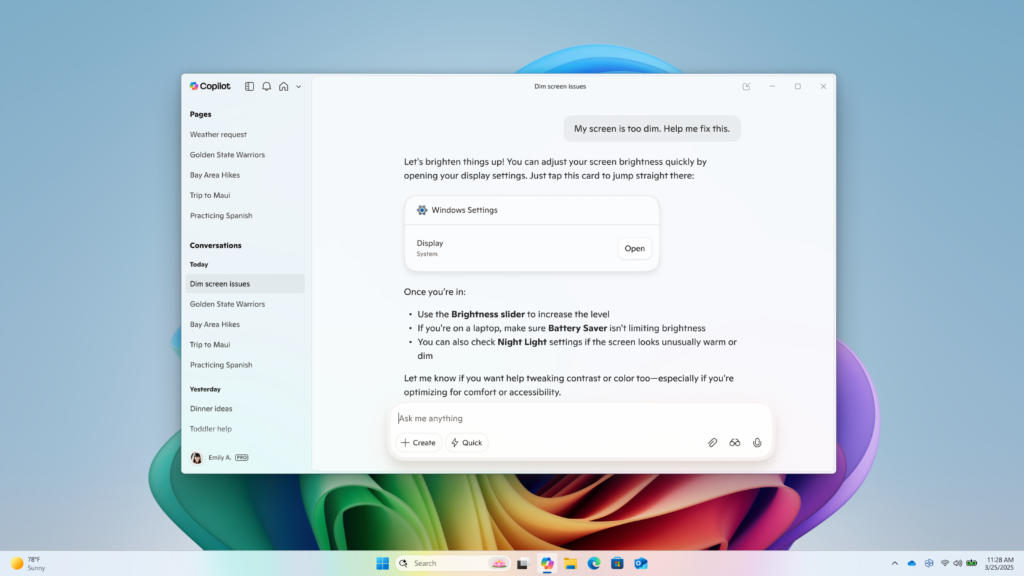 Direct Settings access in Copilot on Windows[/caption] This Copilot app update (version 1.25095.161 and higher) is beginning to roll out across all Insider Channels via the Microsoft Store. The above-mentioned features are gradually rolling out so not all Insiders will get the update right away. We are excited to be previewing improvements with our Insiders to ensure all our customers have a great Copilot experience on Windows. FEEDBACK: Please provide feedback directly within the Copilot app by clicking on your profile icon and choosing “Give feedback”. Thanks, Microsoft Copilot Team
Continue reading...
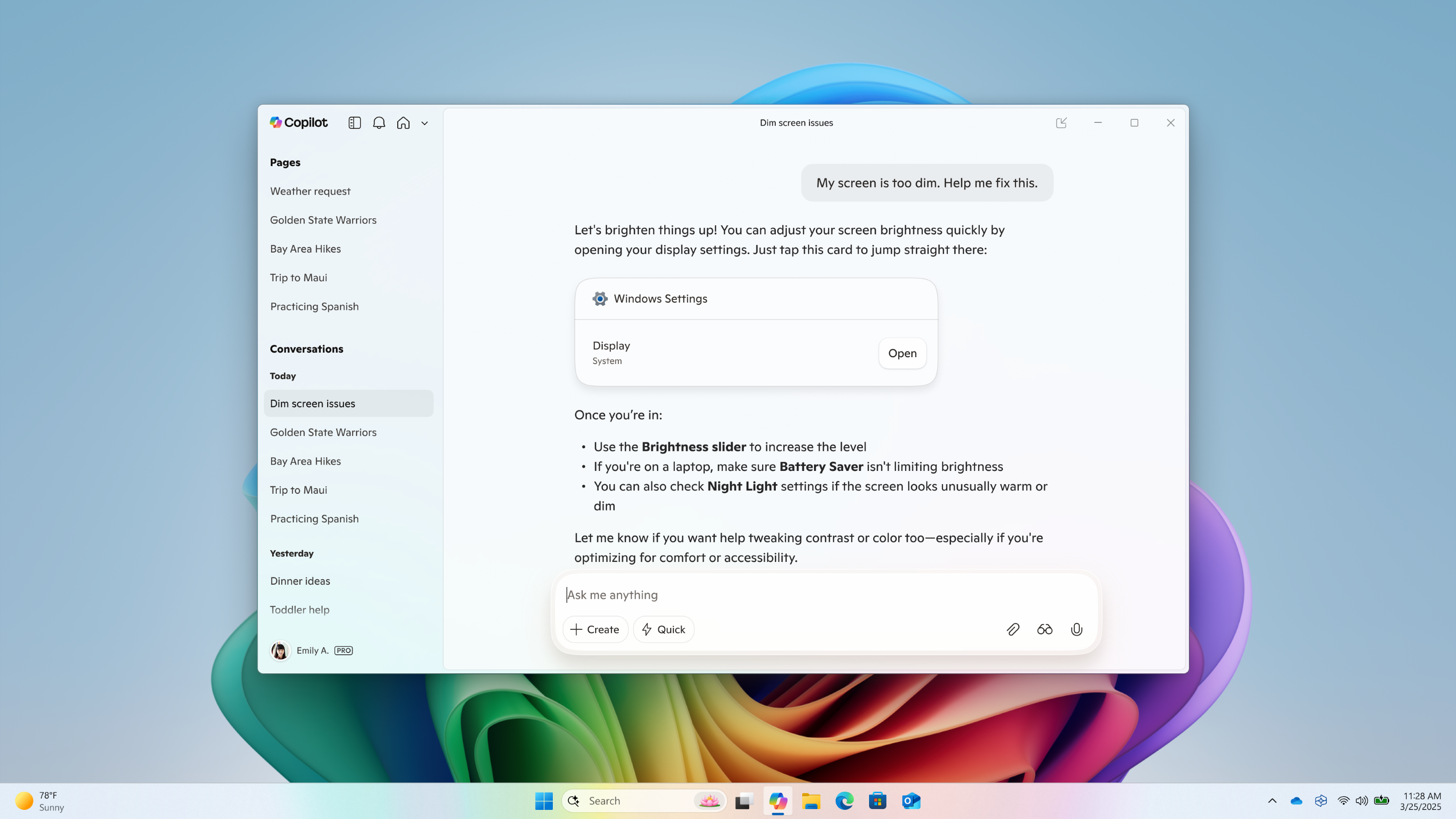 Direct Settings access in Copilot on Windows[/caption] This Copilot app update (version 1.25095.161 and higher) is beginning to roll out across all Insider Channels via the Microsoft Store. The above-mentioned features are gradually rolling out so not all Insiders will get the update right away. We are excited to be previewing improvements with our Insiders to ensure all our customers have a great Copilot experience on Windows. FEEDBACK: Please provide feedback directly within the Copilot app by clicking on your profile icon and choosing “Give feedback”. Thanks, Microsoft Copilot Team
Continue reading...


