
TWF Bot
Staff member
- Joined
- Nov 29, 2020
- Messages
- 3,675

- Thread Author
- #1
Bringing more of your security solutions and Edge for Business together
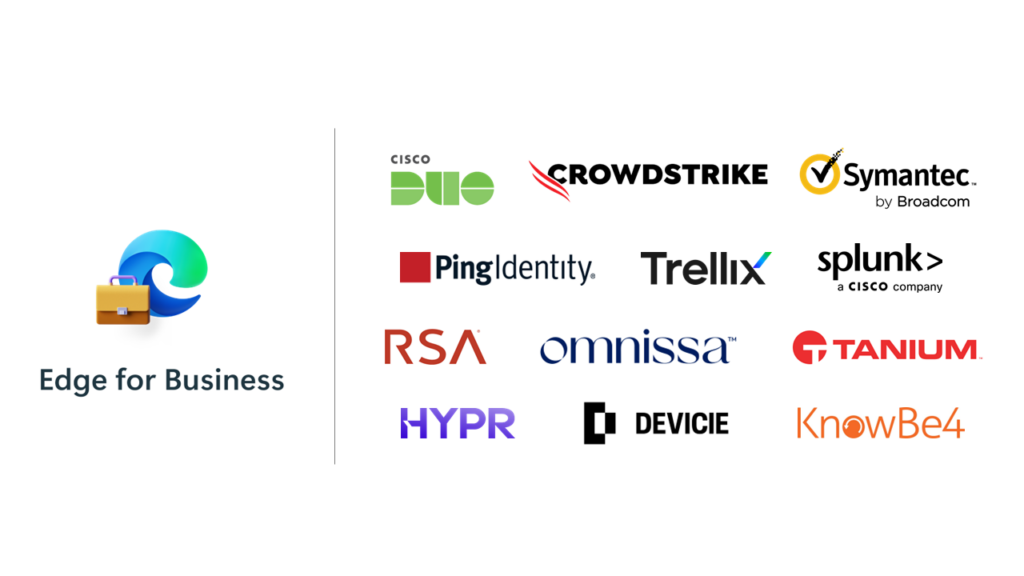
You already know the browser needs to be secure – after all, it’s how people access your company’s resources and AI tools every day. But many security tools don’t easily integrate with the browser. And with so much work happening there, that gap in your Zero Trust framework has probably been on your mind. That’s why we introduced the Edge for Business security connector framework back in April. It's designed to make the browser a real part of your security strategy – and even strengthen it. It connects directly with tools you already trust for authentication, data loss prevention (DLP) and reporting. No added cost. No added complexity. With Cybersecurity Awareness Month in full swing, you’re probably thinking about all the ways to strengthen your organization’s security. We’ve got something to help with that: connector availability has expanded, giving more customers the flexibility to secure the browser using the tools they already rely on.
 What’s new: expanded connector availability
Several security providers have reached new availability milestones, offering more ways to protect the browser on your terms. These connectors are now generally available:
- Symantec Data Loss Prevention – Allows customers to identify, monitor and protect sensitive, confidential or regulated data. This includes controlling data that is uploaded, pasted or printed from the web.
- RSA ID Plus – Leverages device signals from Microsoft Edge so only verified, managed endpoints can access critical apps.
- Omnissa Access Device Trust Connector – Allows administrators to enforce conditional access to web, native and virtual applications protected by Omnissa Access.
- KnowBe4 SecurityCoach – Enables real-time monitoring of risky browser activities like unsafe site visits, password reuse and malware downloads.
- Trellix DLP – Applies Trellix DLP Endpoint policies to inspect for sensitive content within the Edge for Business browser.
Easy to deploy, easy to manage
All connectors are deployed through the Edge management service in the Microsoft 365 admin center. Just select the solution, follow the guided setup and customize policies to fit your organization’s needs. From there, Edge for Business becomes a seamless extension of your security stack – at no additional cost.Deploy connectors today
Security should be foundational, not fragmented. The browser is a critical endpoint, and we’re committed to helping you secure it with the tools you already trust. With Cybersecurity Awareness Month underway, there’s no better time to explore how Edge for Business security connectors can help you strengthen your security strategy.Learn more and get started on our dedicated security connectors page
And in case you missed it – we’re excited to share that Microsoft has been named a leader in the IDC MarketScape: Worldwide Application Streaming and Enterprise Browsers 2025 Vendor Assessment. We’ll share more details in an upcoming blog – stay tuned. Editor's note: – Oct. 30, 2025 – A detailed blog on our IDC MarketScape leadership will be published next week. We’ll add the link here when it’s live. .
Disclaimers:
- Refer to partner licensing requirements for any costs associated with using the connector.
- The Trellix connector is not enabled by default in DLP Endpoint Windows version 11.12.0. Customers can contact Trellix Customer Support through their online portal or by calling their designated contact to enable this capability.
Continue reading...


